Market > EzyOCR
Overview
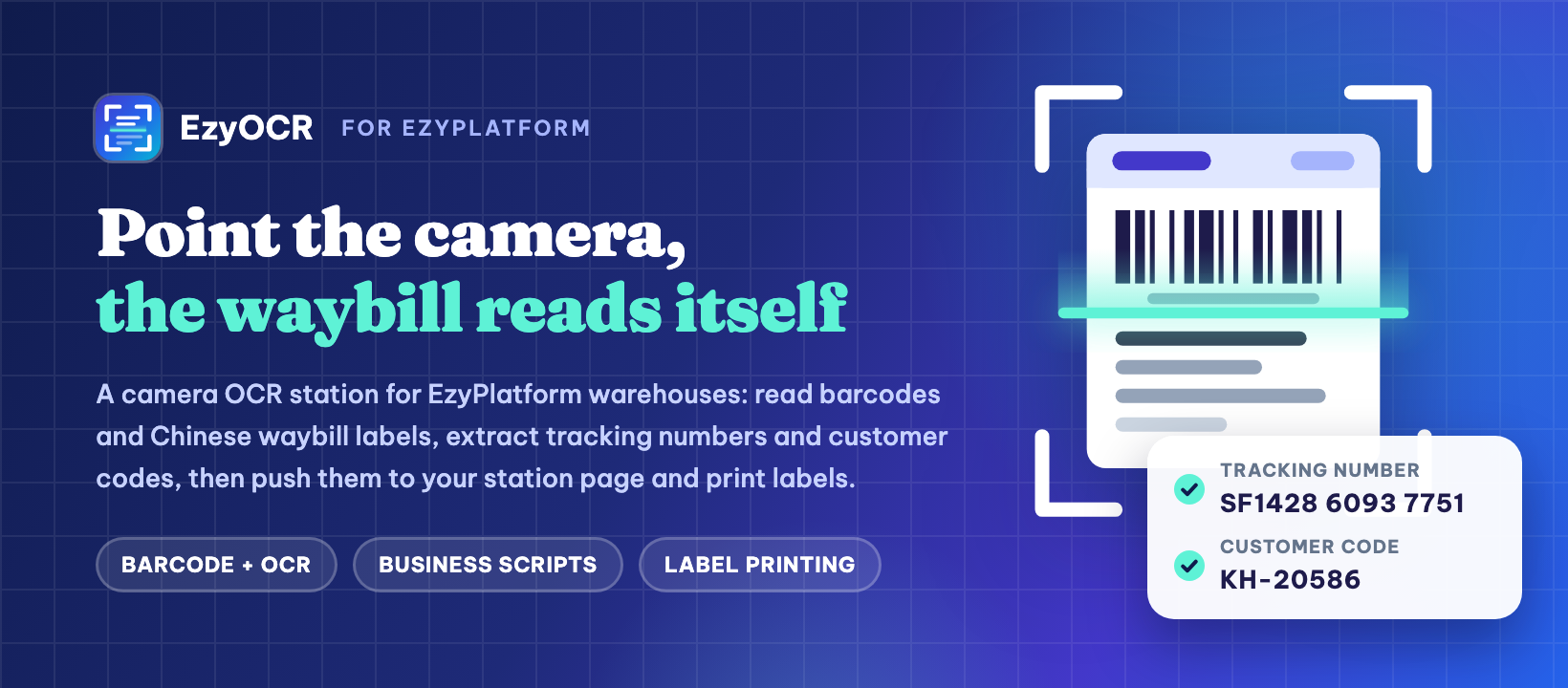
EzyOCR turns any PC with a camera into a recognition station connected to your EzyPlatform site. Staff open the EzyOCR desktop app, log in with their EzyPlatform account, place a document under the camera, and the app reads barcodes and text, extracts the fields your business needs, sends them to your station page and prints a label on request. What gets extracted is defined by business scripts that you manage from the EzyPlatform admin, so one app serves many workflows: receiving parcels, checking goods, scanning forms and more.
Key features
Barcode and OCR in one scan
The app reads barcodes and recognizes text in Chinese, English and Latin scripts. Everything runs on the station itself, with no per-scan cloud fees. Choose the recognition engine that suits each machine: PaddleOCR, RapidOCR, Apple Vision, Windows OCR or Tesseract.
Business scripts managed from the admin
Each workflow is a business script: you decide which fields to extract and what to do with them. Create, edit, group scripts into categories, save drafts and publish them in the admin. Stations only use published scripts. A ready-made script for Chinese courier waybills (tracking number and customer code) is included.
OCR operators and per-operator settings
The plugin adds an OCR Operator role. Each operator has their own settings, for example only recognizing when a barcode is visible, and the app applies them right after that operator logs in.
App downloads and update prompts
The admin shows the latest EzyOCR app builds for Windows, macOS and Linux, pulled from your GitHub releases. You can have stations prompt staff to install a new version as soon as it is released.
Made for warehouse staff
One icon, one window. Staff log in on the EzyPlatform login page they already know, place the item, hear a beep (green means saved, yellow means check it) and press Enter to print. Results wait in a local queue until the server confirms them, so nothing is lost when the network drops.
Multilingual
The admin pages come in English and Vietnamese, and the desktop app in Vietnamese, English and Simplified Chinese.
Requirements
An EzyPlatform site with the EzyArticle plugin installed. Each station needs a PC (Windows, macOS or Ubuntu) with a camera, plus a ZPL or TSPL label printer if you want to print labels.
Contribute Your Idea
Build plugins and themes for EzyPlatform, publish them on the market and earn commission from every sale.